Light + creative for iPhone Duo
Your Duo. Your creative studio.
Turn both screens into a mirror, adjustable light, moving color canvas, photo surface and space for personal ideas.
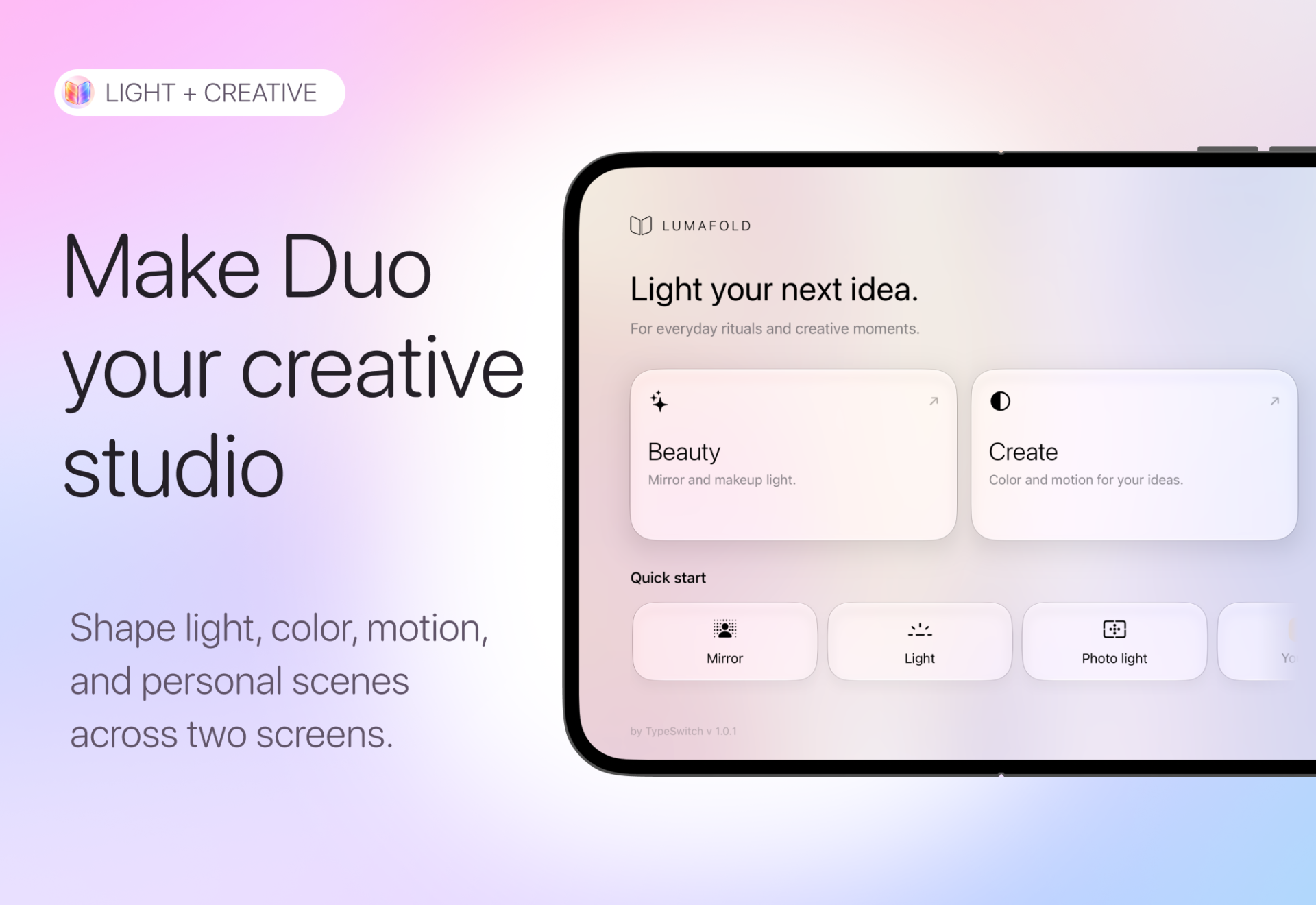
Designed around two screens
One device. More ways to create.
Give each side of the display a purpose. Use mirror, light, color, animation, photography and drawing independently or together.
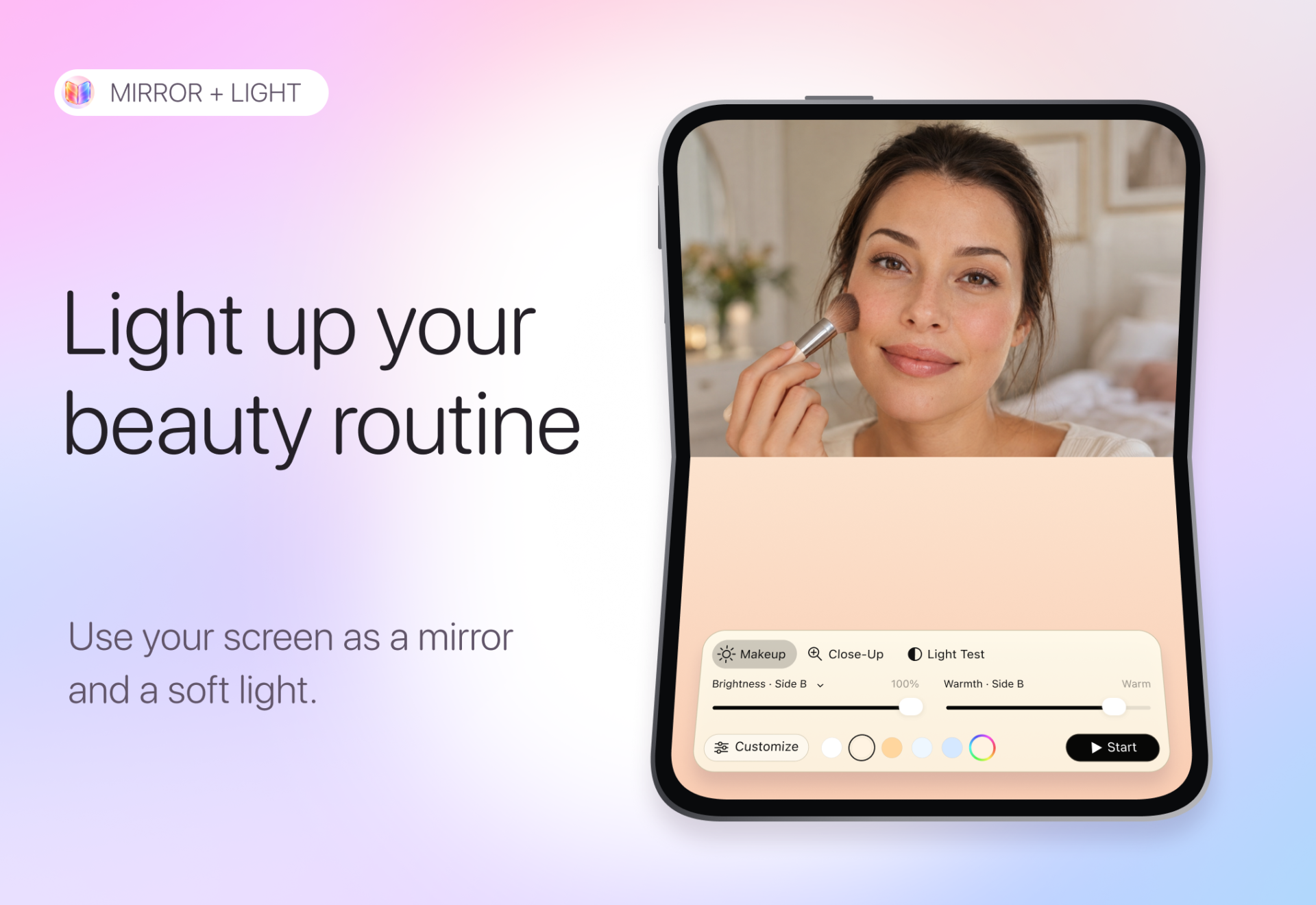
Your everyday glow.
Use one side as a live mirror and the other as a soft light. Adjust warmth and brightness until everything feels right.
- ✓ Live front-camera mirror.
- ✓ Adjustable brightness and warmth.
- ✓ Close-up and makeup modes.
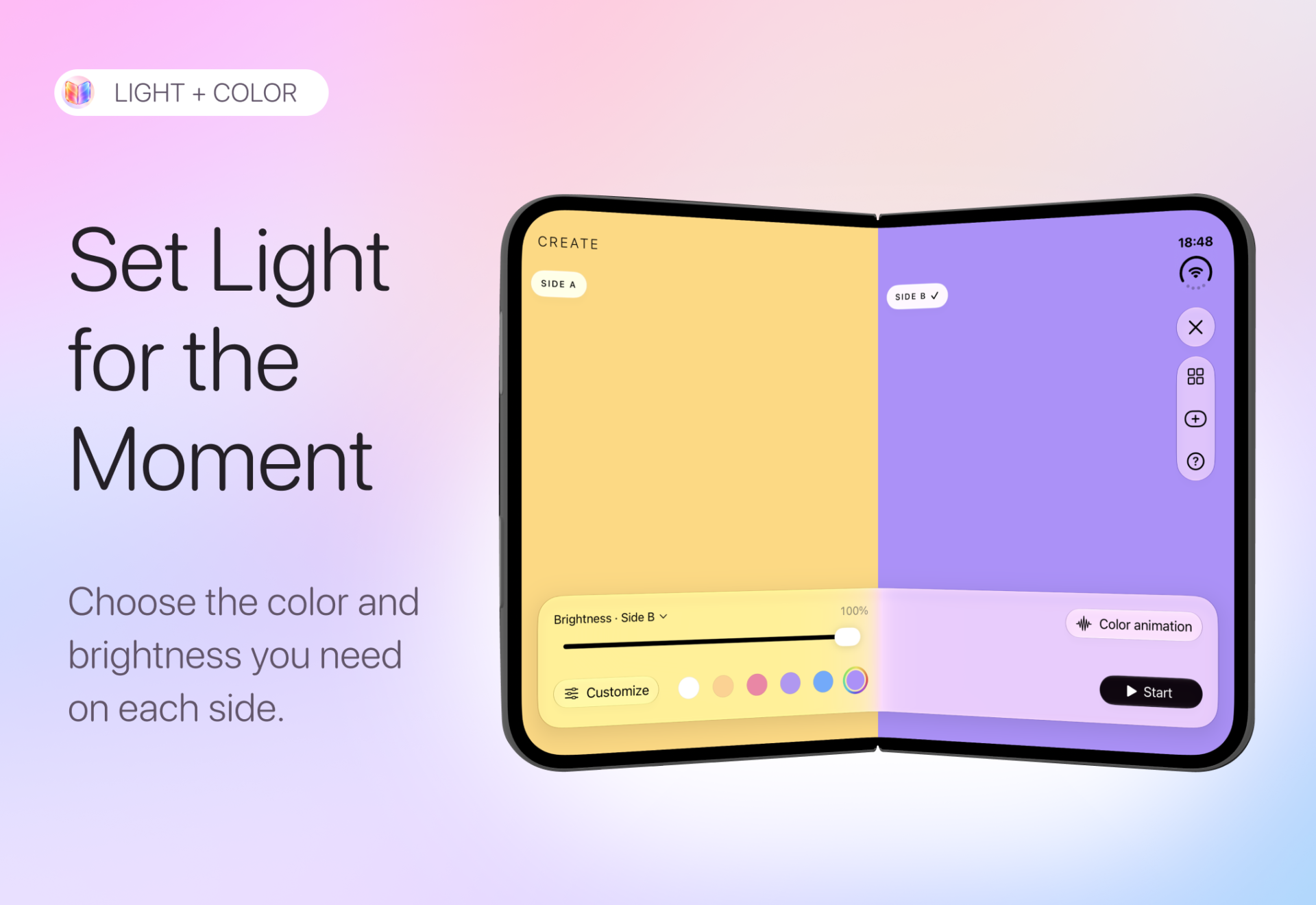
Two sides. Any mood.
Give each side its own tone and intensity. Match them, contrast them or build a completely different atmosphere.
- ✓ Independent colors.
- ✓ Separate brightness control.
- ✓ Warm, cool and contrasting combinations.
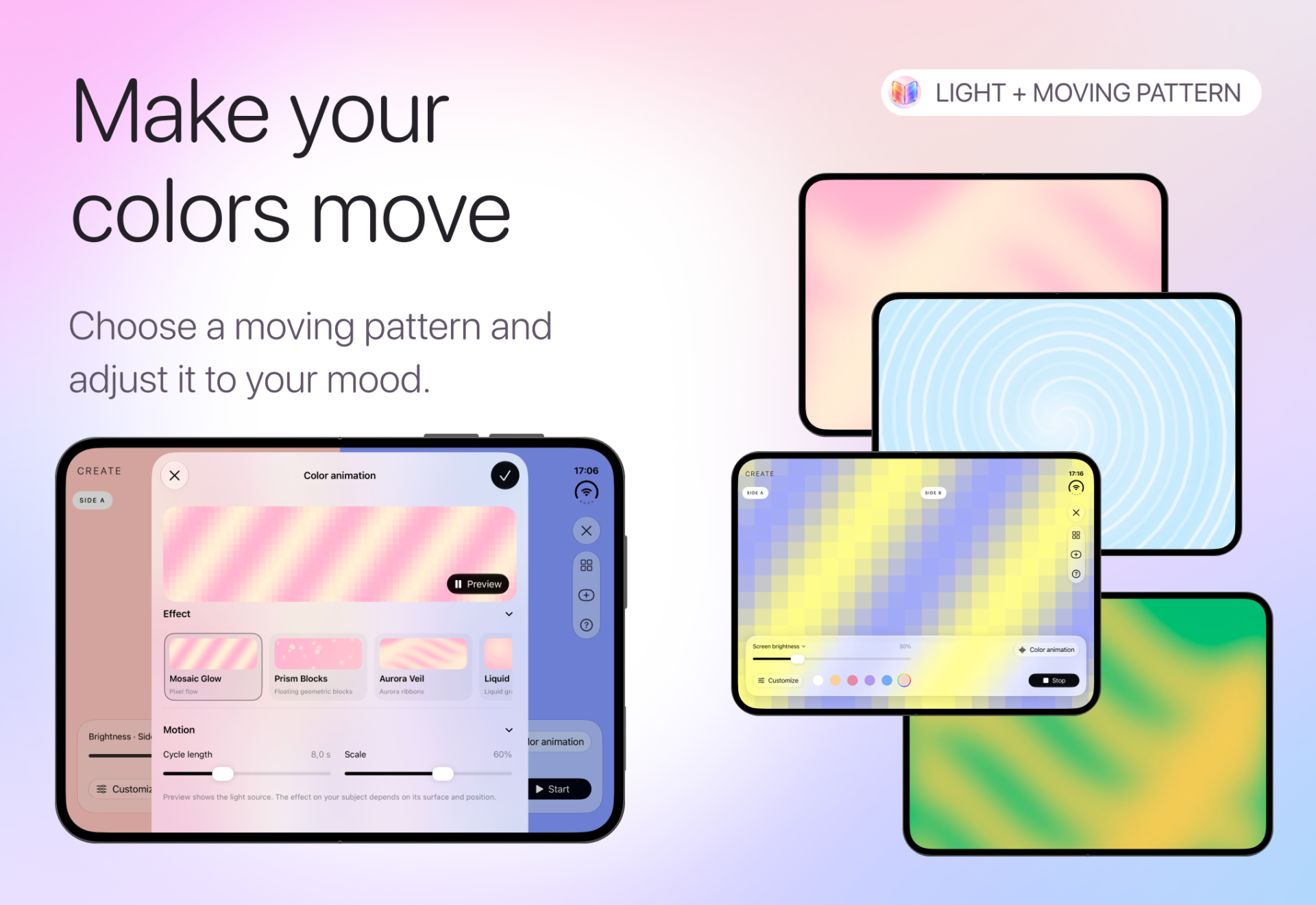
Color in motion.
Turn static light into movement. Shape animated gradients, waves and patterns for reflections, backgrounds and creative scenes.
- ✓ Animated patterns and gradients.
- ✓ Motion, scale and cycle control.
- ✓ Repeatable visual effects.
Make it personal.
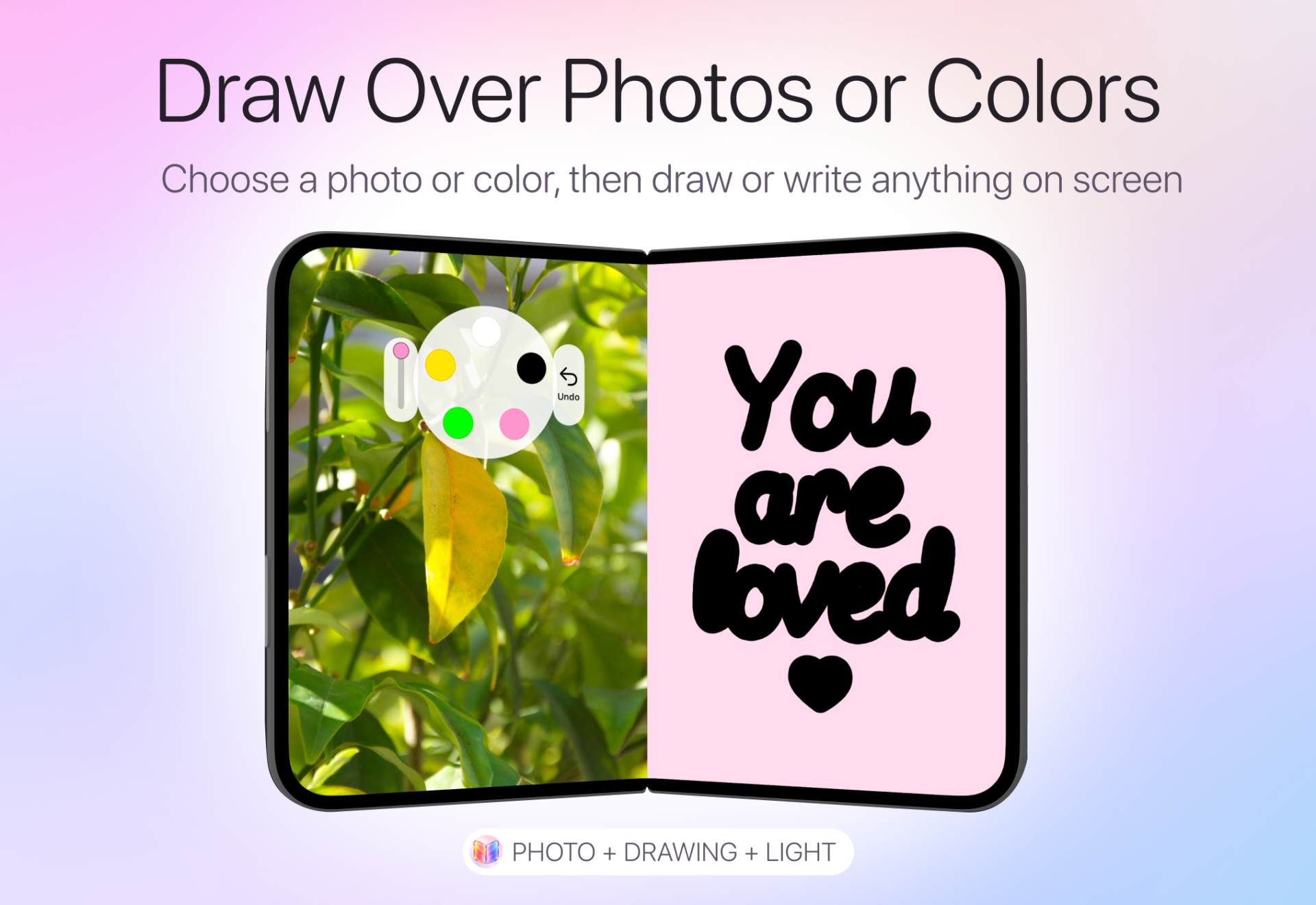
Start with a photo or color, then add your own message, drawing or visual idea directly on the screen.
- ✓ Photo or color backgrounds.
- ✓ Free drawing in different colors.
- ✓ Combine images and personal messages.
Built around the Duo
Six ways to use both screens.
Both halves can work together or independently, turning the display into a flexible visual workspace.
Mirror + light
A live mirror beside adjustable soft light.
Dual color
Give each side its own brightness and tone.
Moving patterns
Animated gradients, waves and color movement.
Photo light
Bring your own image onto the visual surface.
Draw + write
Add notes and drawings over photos or color.
Saved setups
Keep favorite combinations ready for another moment.
LumaFold Pro
More ways to shape your screen.
Unlock more light modes, palettes, moving patterns, photo tools, drawing features and saved setups.
LumaFold
More than a second screen.
Light. Color. Motion. Photos. Drawing. Two surfaces ready for whatever the moment needs.