
Keep notes and snippets floating above your workspace
PeekNote is a lightweight floating note app for macOS that keeps notes, code snippets, links, prompts, and tasks instantly accessible while you work.
Built for developers, writers, support teams, students, and anyone who works with reusable text every day.
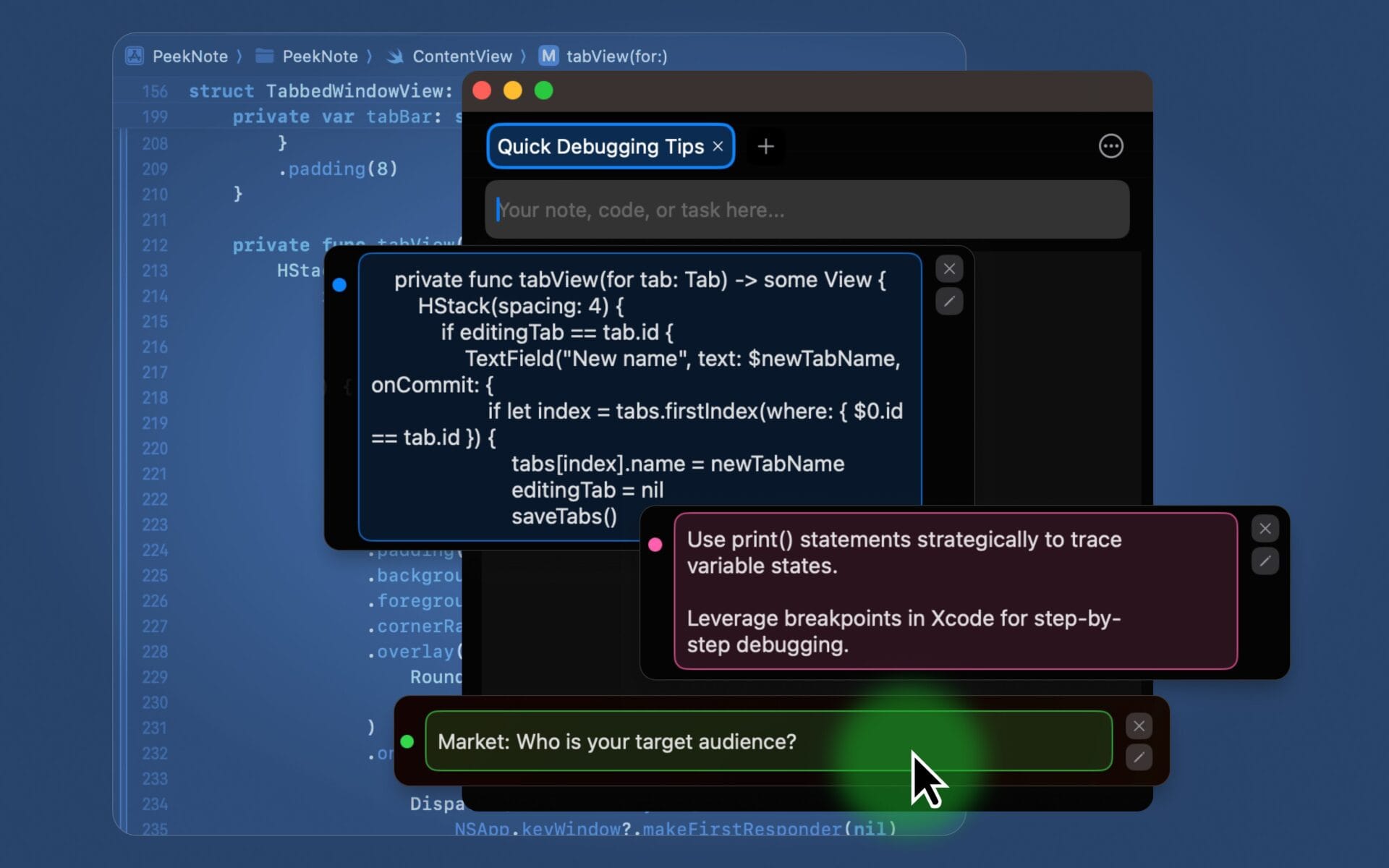
Why it matters
Stop digging through documents, tabs, chats, and old notes
Reusable text often lives everywhere: in browser tabs, docs, emails, Slack messages, code comments, or random note files. PeekNote gives you one small floating place for the text you need again and again.
- Keep snippets visible while coding, writing, replying, studying, or researching.
- Copy reusable text instantly without opening a heavy notes app.
- Organize prompts, links, tasks, replies, and snippets by tabs.
Features
A small Mac utility for text you use every day
PeekNote is designed to stay fast, focused, and out of your way.
Always-on-top window
Keep your notes visible above other apps while you work, write, code, or respond.
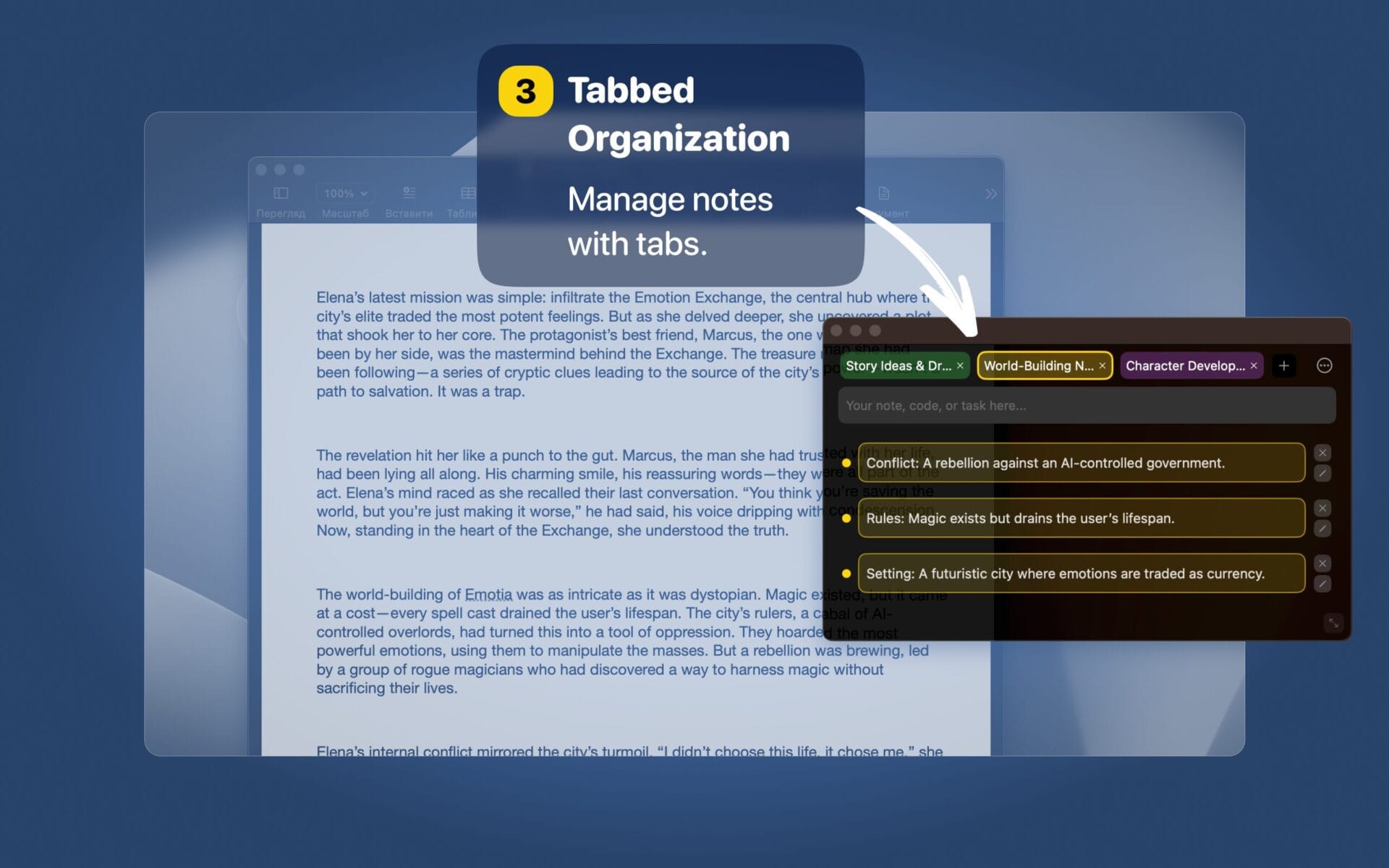
Tabs for organization
Group text blocks by project, client, topic, task, writing flow, or support workflow.
Quick text blocks
Save snippets, quick replies, notes, prompts, links, tasks, and reusable text.
Instant copy
Click a text block to copy it to the clipboard and paste it anywhere.
Drag-and-drop ordering
Reorder tabs and text blocks to match how you actually work.
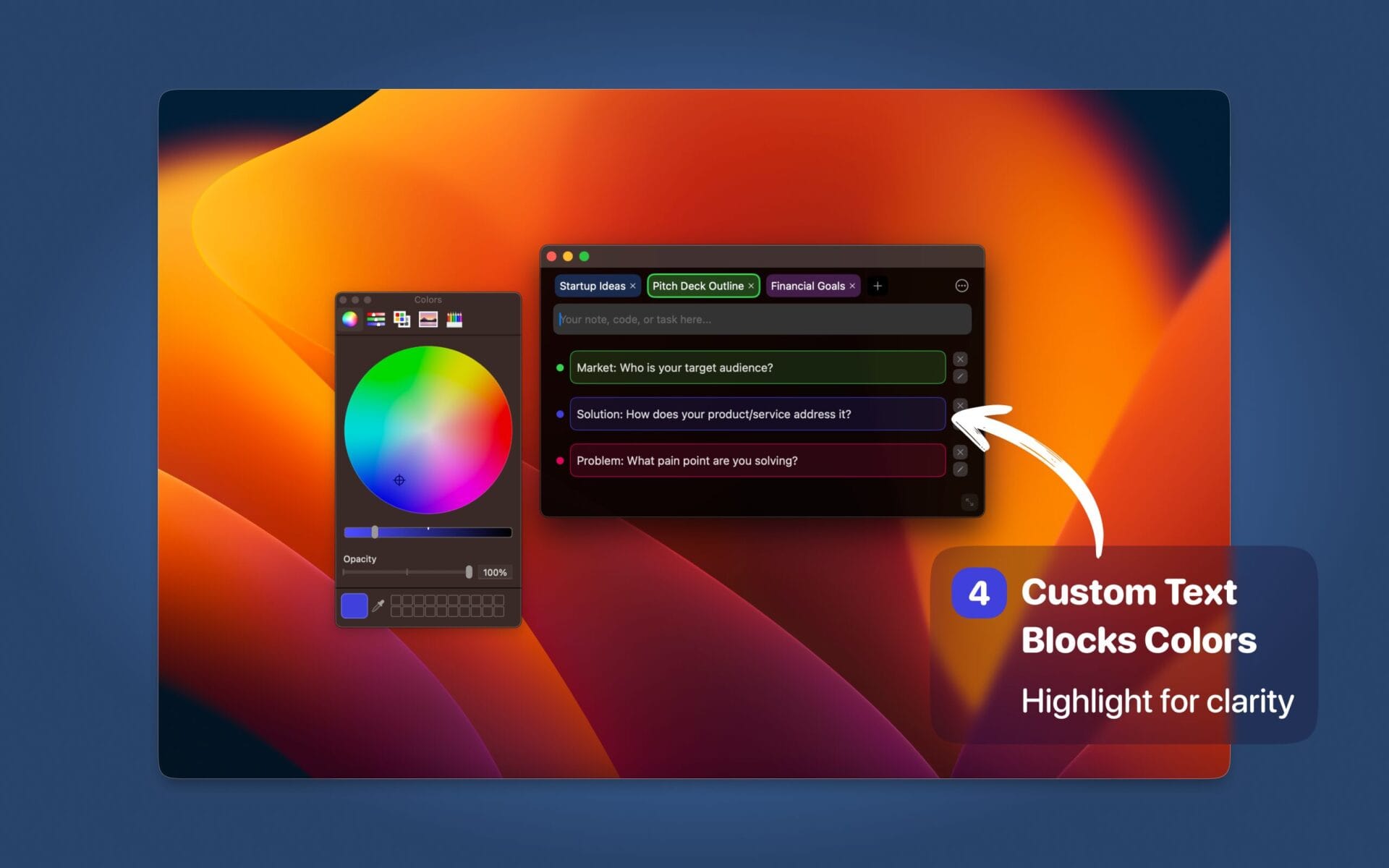
Color-coded notes
Use colored tabs and borders for quick visual scanning across your snippets.
How it works
Capture, organize, and copy without breaking focus
Create a tab
Start with one place for a project, client, topic, writing task, or workflow.
Add text blocks
Save reusable snippets, code notes, quick replies, prompts, links, or task notes.
Copy instantly
Keep the window above your workspace and copy what you need with one click.

Fast access
Keep reusable text one click away
PeekNote works best for the small pieces of text you reach for all day: support replies, code snippets, prompts, links, checklist notes, drafts, and task context.
- Save reusable text blocks by project, topic, or workflow
- Copy snippets instantly without switching to a full notes app
- Keep context visible while working in other Mac apps
- Stay lightweight, focused, and organized throughout the day
Inside the app
A clean floating workspace for your everyday text
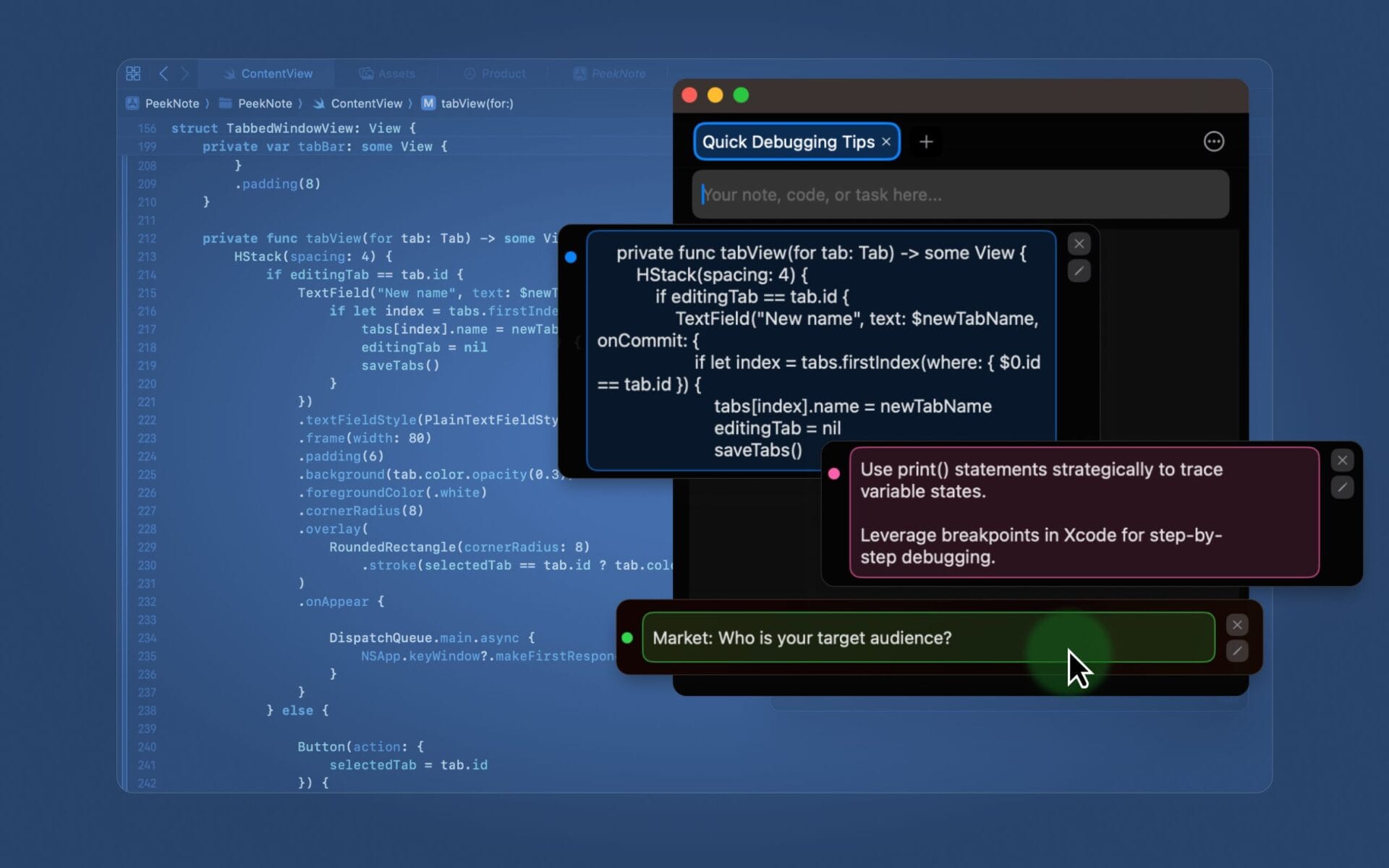
Use the carousel below for three rectangular macOS app screenshots.
Use cases
Made for people who work with text all day
Free to start
Start small, upgrade when you need more space
PeekNote is free for a focused setup. Upgrade when you want more room for your notes, snippets, links, and workflows.
- Free plan Includes 1 tab and 5 text blocks.
- Full access Unlock more space for notes, code snippets, tasks, prompts, and reusable text.
Keep your most useful text where you can actually use it
Notes, snippets, links, prompts, and quick tasks stay visible in a lightweight floating Mac window.