
 macOS utility app
Core value
A faster way to switch between macOS input languages.
Type Switch helps bilingual and multilingual Mac users change keyboard languages quickly, clearly, and without interrupting their workflow.
Seamless language switching
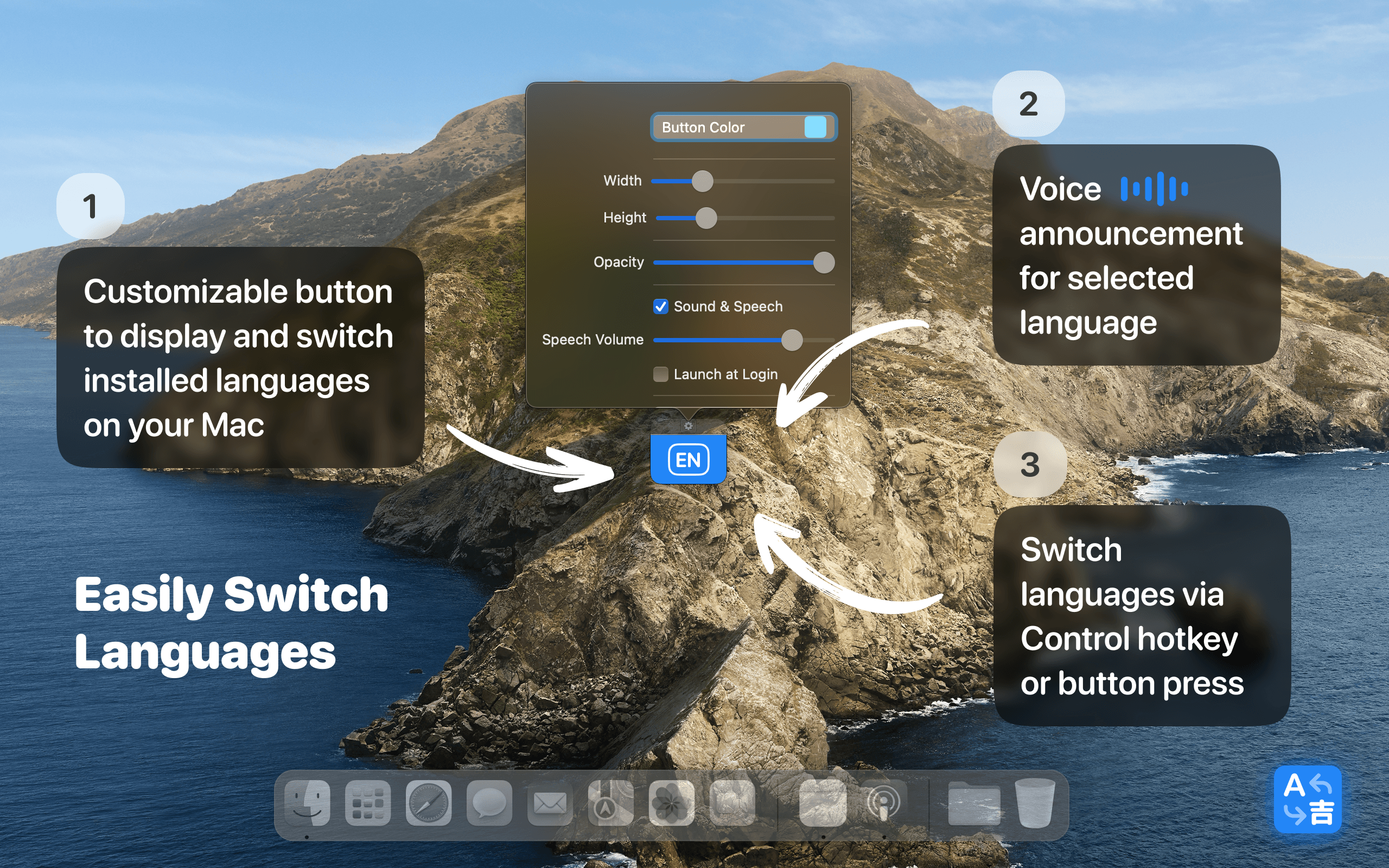
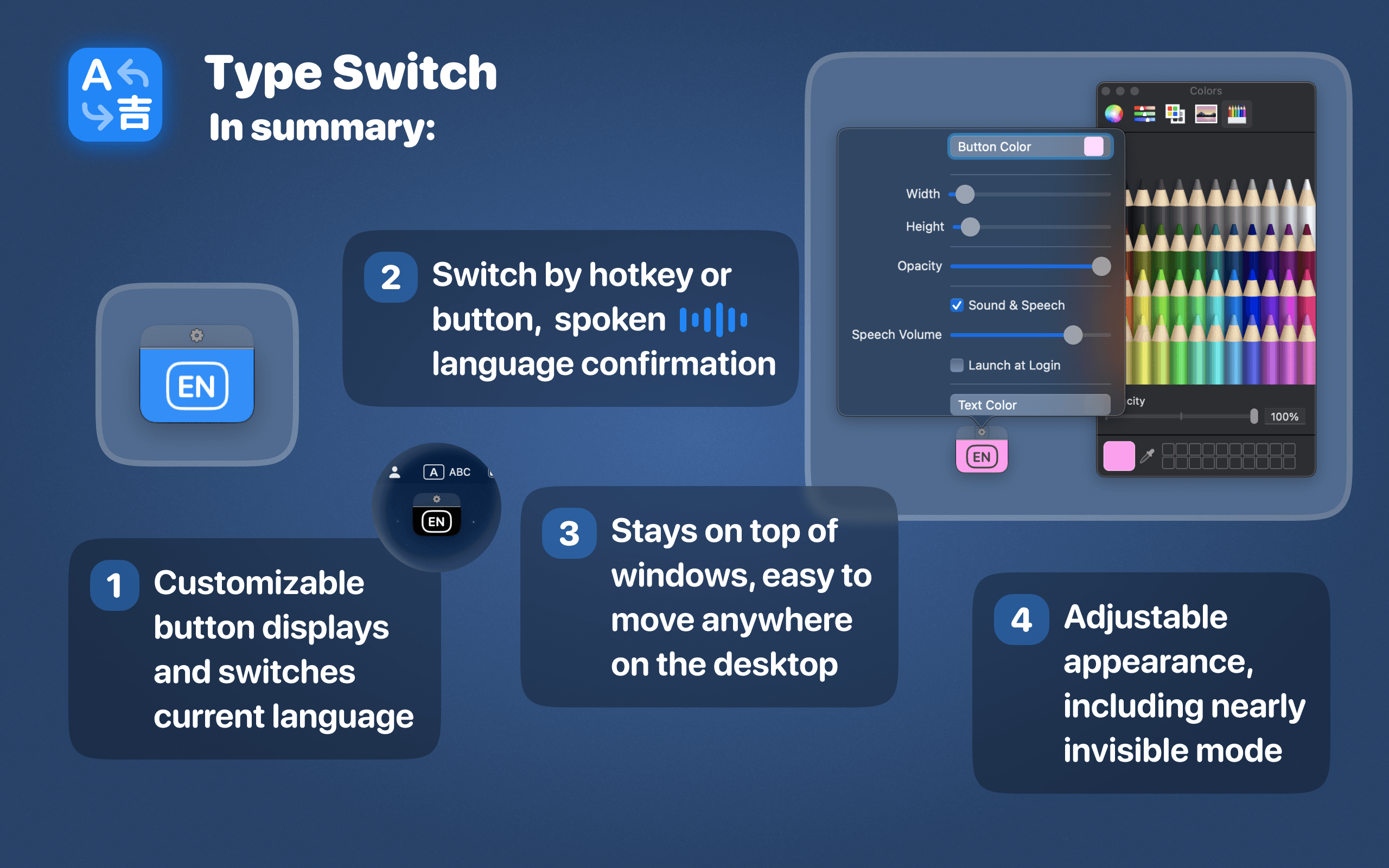
Quickly toggle between installed macOS input languages with a simple floating button or keyboard shortcut.
Current language display
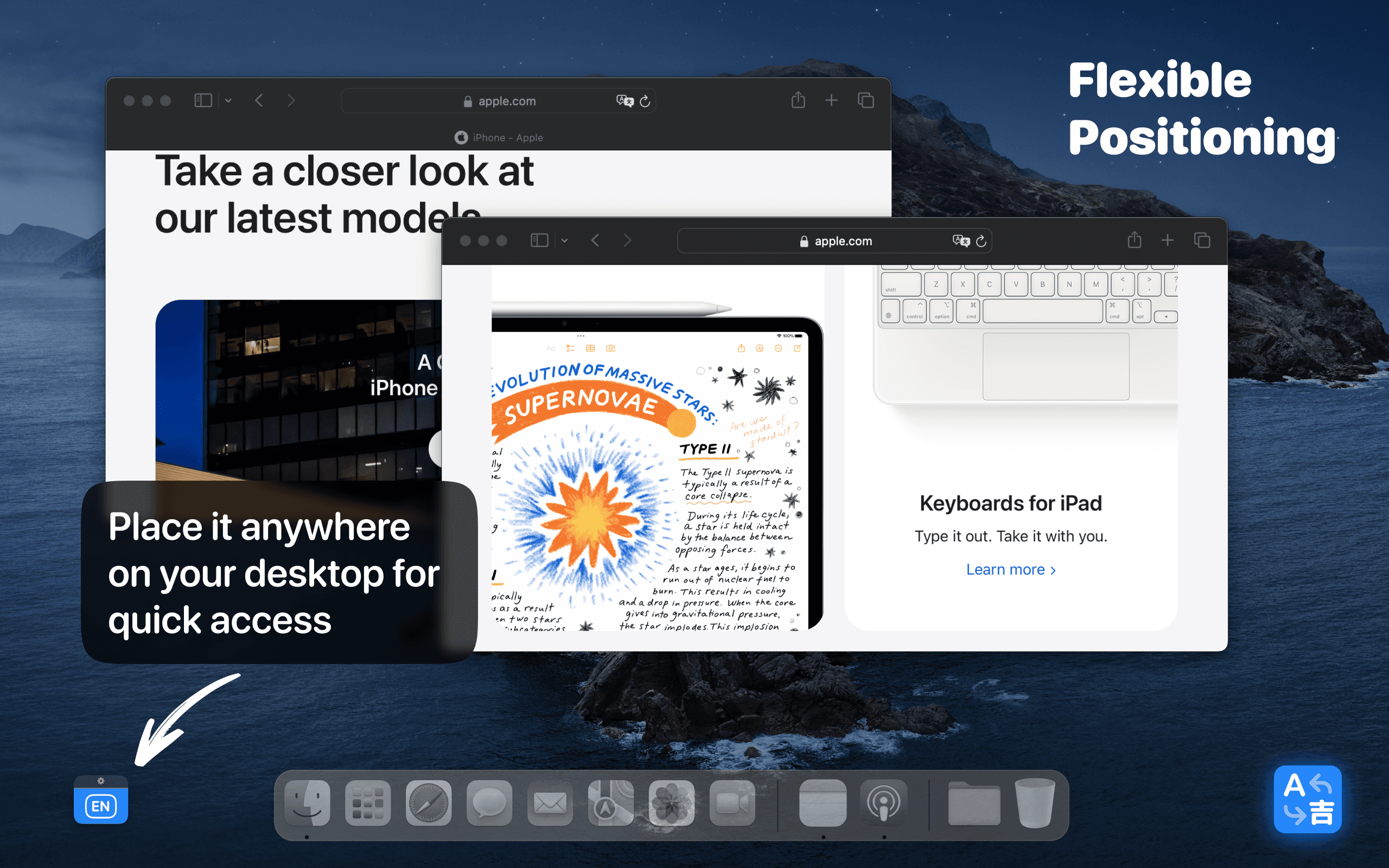
Keep the selected language visible on your desktop, so you always know what keyboard layout is active.
Customizable design
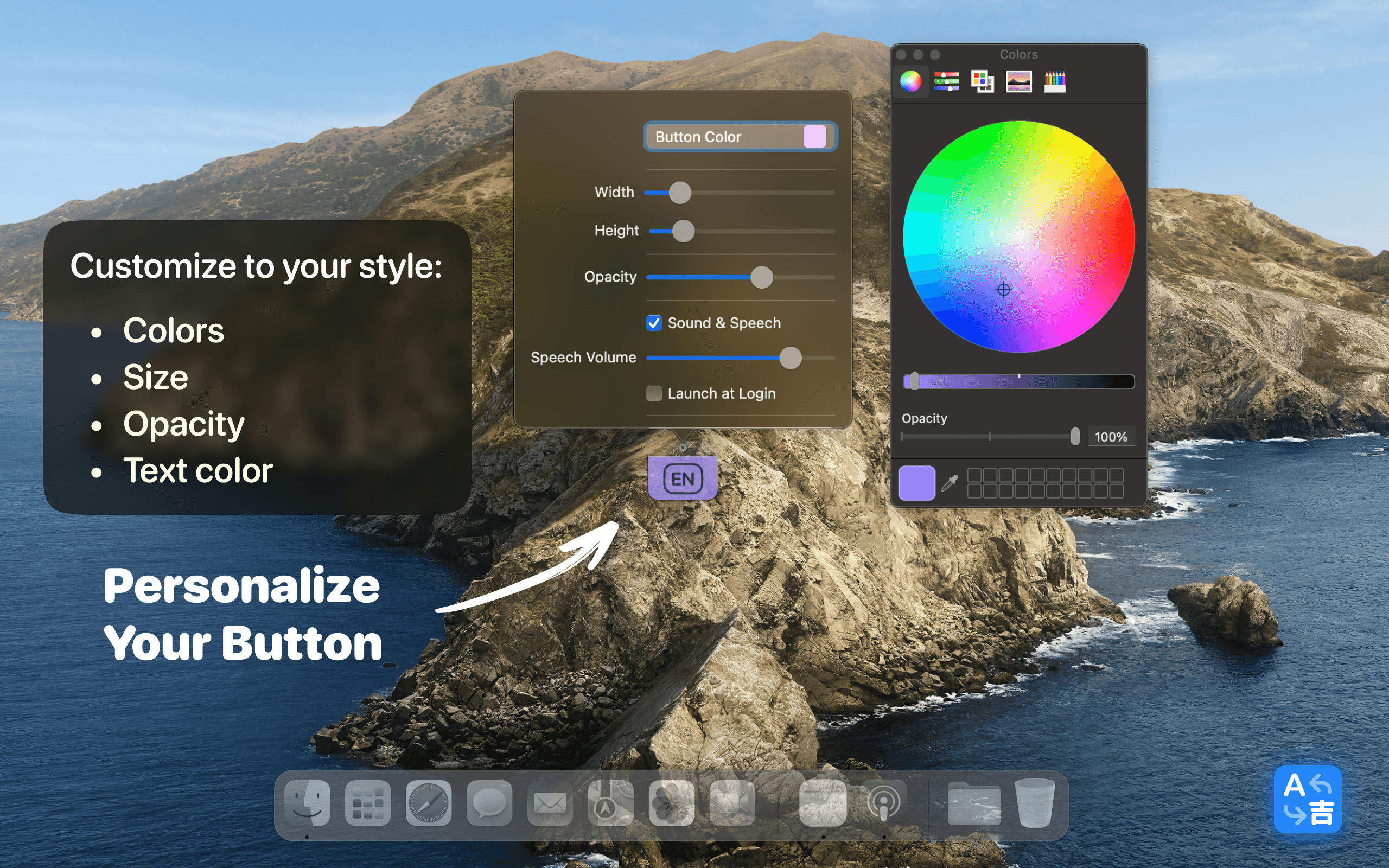
Adjust the button size, color, and opacity to match your desktop style and daily workflow.
Sound and voice feedback
Use optional sound and voice announcements to confirm which language has been selected.
Minimalist interface
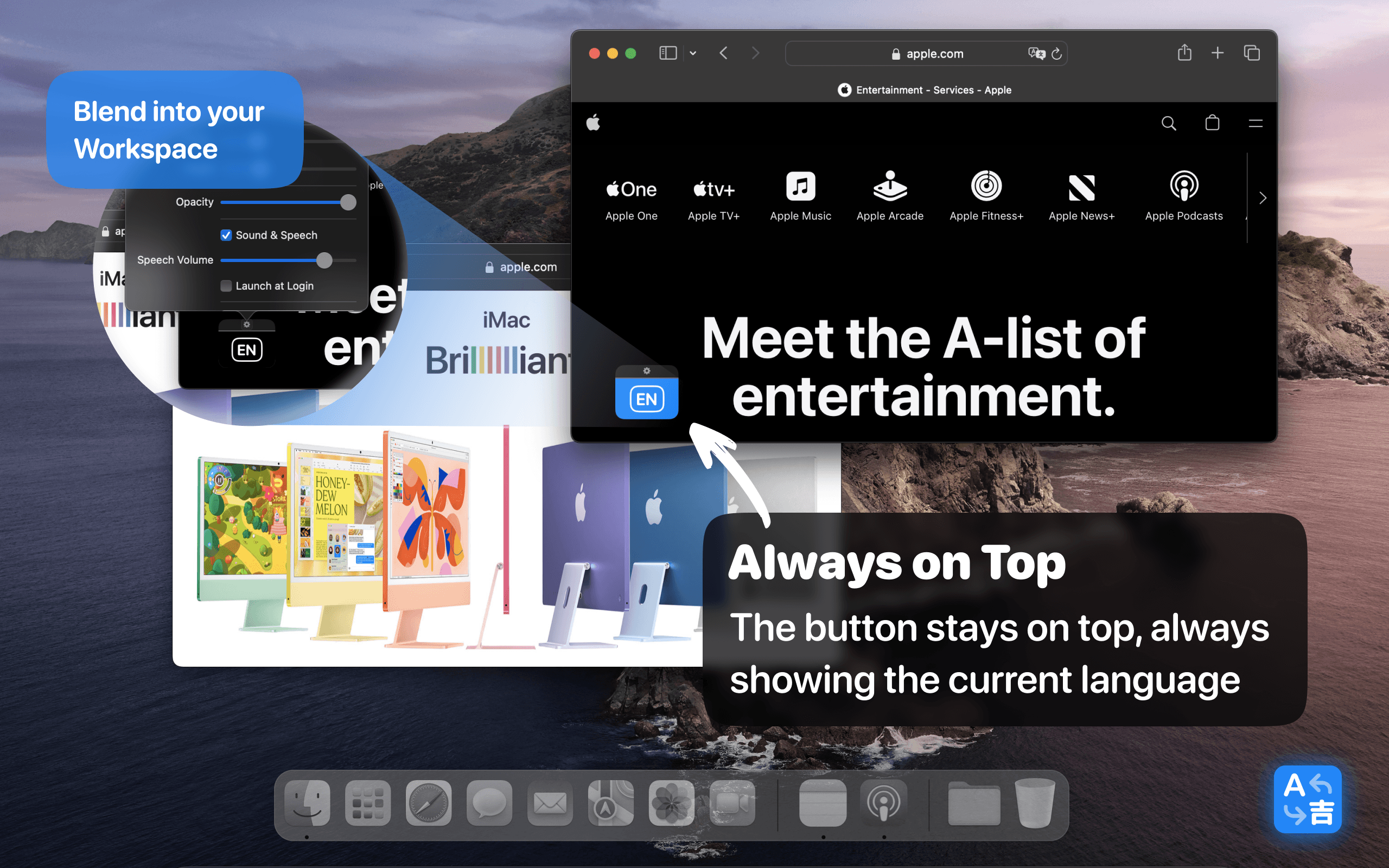
Use a clean floating panel that stays on top of windows and blends naturally into your Mac workspace.
Hotkey support
Switch languages instantly using Left Control, double-tap Left Shift, or the language display button.
Product preview
A simple macOS utility designed for multilingual work.
Workflow
How Type Switch works.
Install and open
Download Type Switch from the Mac App Store and open it on your macOS device.
Customize your switcher
Set up the floating button, shortcut behavior, button size, color, opacity, and feedback options.
Switch instantly
Use the desktop button or hotkey to move between input languages while writing, coding, or multitasking.
Who it is for
Made for people who work across languages.
Whether you are writing, coding, studying, or switching between creative tasks, Type Switch makes language changes faster and more visible.
Writers and bloggers
Compose content in multiple languages without losing rhythm.
Developers
Code, search, and communicate across multilingual tools and projects.
Students and researchers
Work with multilingual notes, sources, and documents more comfortably.
Designers and creatives
Switch between project languages while keeping your workspace clean.
Common questions
Frequently asked questions
Quick answers about using Type Switch as a macOS language and keyboard switcher.
Boost your productivity with faster language switching on Mac.
Type Switch helps you stay focused in a multilingual environment with quick input language switching, a visible desktop button, customizable controls, and optional feedback.